Module @rullino/filters
@rullino/filters
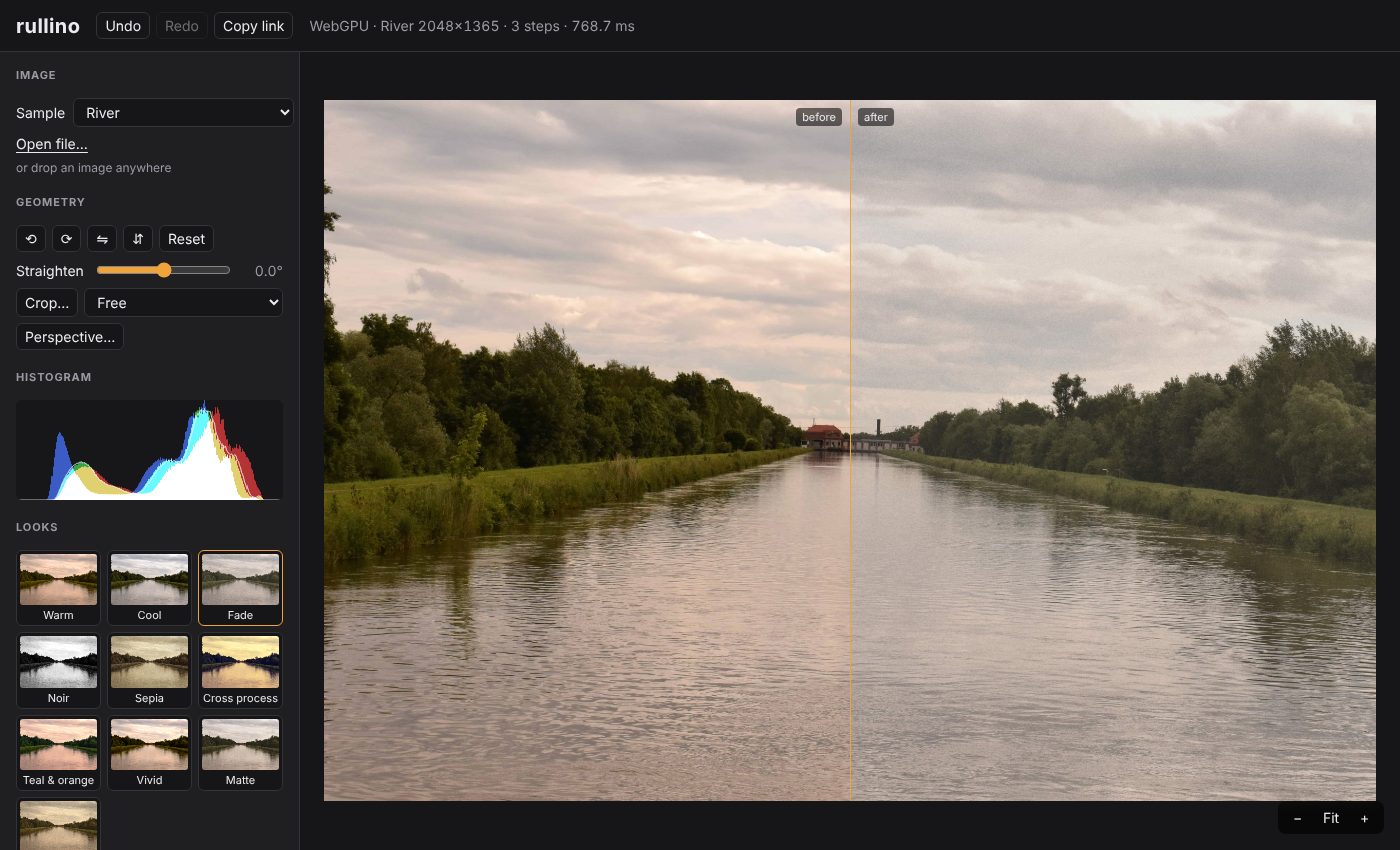
The filters of rullino: WebGPU compute shaders, each with a plain TypeScript CPU implementation that is the specification the GPU version is tested against. Built on @rullino/core.
Pre-alpha (0.x): the API may change between minor versions.
API reference (generated from the sources)
Install
npm install @rullino/core @rullino/filters
What is in it
Adjustments (exposure, contrast, curves, levels, white balance, colour mixer, colour grading...), classic computer vision (Gaussian / box blur, sharpen, unsharp mask, custom kernel, Canny, Otsu and adaptive threshold, morphology, median, bilateral, histogram equalisation, CLAHE, inpainting), stylize (halftone, dither, Kuwahara, bloom, sketch, emboss...) and a depth-driven lens blur. The filter reference lists every filter with its parameters, ranges and defaults; it is generated from the schemas.
Each filter is exported by name, and filters is the registry (an array of all of them):
import { filters, gaussianBlur } from '@rullino/filters';
console.log(filters.map((f) => `${f.category}/${f.id}`));
console.log(Object.keys(gaussianBlur.params)); // ['sigma']
Filters are plain data, so a UI can be generated from filter.params (type, range, default, label), which is what the playground does.
Use
Pass a filter and its params as a step of a chain; params you leave out take their defaults, out-of-range numbers are clamped and malformed values throw.
import { createImage, runChainCpu } from '@rullino/core';
import { gaussianBlur, vignette } from '@rullino/filters';
const image = createImage(64, 64); // linear, premultiplied RGBA floats
const blurred = runChainCpu([{ filter: gaussianBlur, params: { sigma: 3 } }, { filter: vignette }], image);
console.log(blurred.width, blurred.height);
On the GPU the same steps go through Pipeline (see the core README). Lengths in pixels (sigma above) are defined at the full-resolution image and scale with previews.
Auto adjustment
autoAdjust suggests a white balance and levels for an image, as ordinary filter params you can edit afterwards:
import { createImage } from '@rullino/core';
import { autoAdjust } from '@rullino/filters';
const suggestion = autoAdjust(createImage(32, 32));
console.log(suggestion);
License
MIT.
Variables
- adaptiveThreshold
- applyLut
- ascii
- bilateral
- blackPoint
- bloom
- boxBlur
- brightness
- canny
- channelMixer
- chromaticAberration
- clahe
- colorGrading
- colorMixer
- contrast
- convolve
- curves
- dither
- emboss
- equalize
- exposure
- filters
- gamma
- gaussianBlur
- gradient
- gradientMap
- grain
- grayscale
- halftone
- hue
- inpaint
- invert
- kuwahara
- laplacian
- lensBlur
- levels
- median
- morphology
- otsu
- patch
- pixelate
- posterize
- saturation
- shadowsHighlights
- sharpen
- sketch
- threshold
- transparency
- unsharpMask
- vibrance
- vignette
- whiteBalance